Microsoft Edge 140 brings Scareware blocker, HTTPS-first mode, auto save for Tab Groups
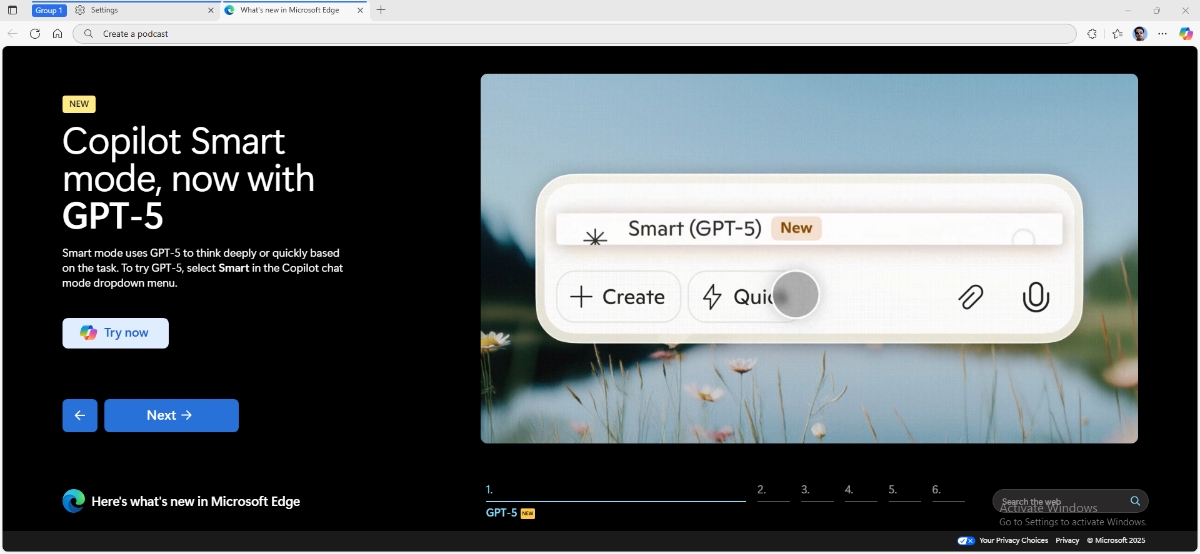
Microsoft Edge 140 has been released. It brings a handful of new features.
Let me very briefly mention the AI features in the update. Edge now supports GPT-5 as an option for Copilot Smart Mode. Users can create a podcast with Copilot in Edge. You can create images and videos by typing your query in the address bar, and Edge will generate the media using DALL-E 3, Open AI's Sora.
With that out the way, let's discuss the more important features. The release notes for Edge 140 says that Microsoft Edge has a new security feature called Scareware blocker. This is an AI powered option, which uses a local model, to protect users from scareware attacks like tech scams that trick victims into believing their computer is damaged, luring them into calling a fake support line, which could then lead to the PC remotely taken over by attackers. If Edge identifies a website as a potential tech scam site, it will display a warning on the screen, block access to the website, and offer an option to close the page, or continue browsing.
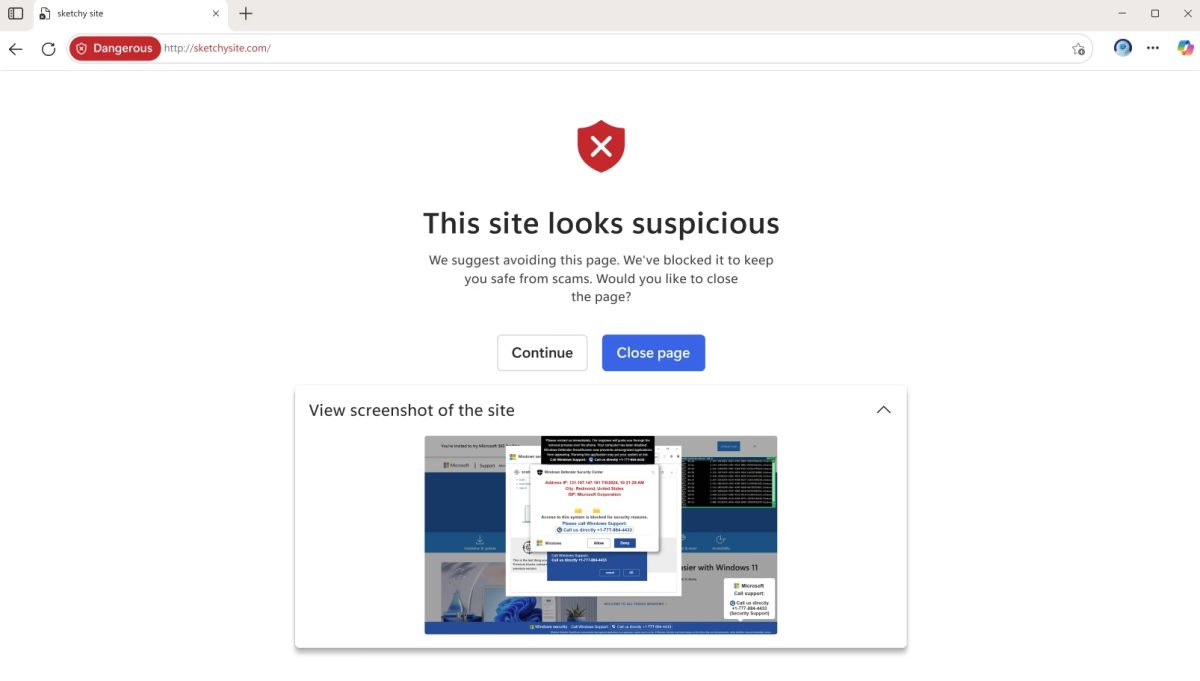
Scareware blocker in Edge is not enabled by default. You can manage Scareware blocker from Edge's Settings > Privacy, search, and services / Security. Or use this shortcut to jump to the option directly: edge://settings/privacy/security?form=MT0159
Here's the official feature page for Scareware blocker.
Edge 140 brings another security feature called HTTPS-first mode. Google introduced this feature in Chrome in September 2023. HTTPS-first mode tells Microsoft Edge to automatically upgrade insecure HTTP connections to HTTPS when possible. If a site doesn’t support HTTPS, the browser will display a warning pointing out that it is a security risk. According to Microsoft's announcement, this feature only works for public sites, and not on private ones, or URLs that the user entered manually.

The option is not enabled by default. To manage the feature, head to Settings > Privacy, search, and services / Security > and toggle the option that says "Automatically switch to more secure connections with Automatic HTTPS".
Microsoft Edge now saves tab groups automatically, to allow users to resume browsing quickly. Tab groups that were organized manually are also saved for revisits, after restarting the browser. Admins can manage this feature using the SyncTypesListDisabled policy with the “openTabs” data type.
Reddit user Kotaless says that Edge removed the RTX Video Super Resolution (VSR) flag, which uses AI to enhances the quality of streaming videos on NVIDIA's 40 and 30 Series GPUs. The user said that disabling a setting will allow the feature to work, as it will allow NVIDIA to take over the enhancement work. Go to System and Performance > System > and toggle "Enhance videos".

Edge 140 includes security patches from Chromium, and one Microsoft Edge specific security vulnerability has also been patched. It is tracked under CVE-2025-53791, and has a medium severity rating. The security issue, described as a security feature bypass vulnerability, which could allow an attacker to bypass a security feature over a network. This improper access control in Microsoft Edge involves a hacker to enable Edge Split Screen mode, have a specific configuration, and run multiple pages. The attack vector could lead to the threat actor running scripts to read a token from a web page's iframe, make changes to the javascript in the window. Microsoft has credited Mingi Jung with WebSec for reporting the issue.
The new features are available in Microsoft Edge 140.0.3485.54.

This last update finally killed it for me.
Now Edge takes several seconds to close. I don’t even want to know what it’s doing during those seconds but I’m pretty sure it’s undesirable.
I already had one heavily customized for privacy Firefox ESR installed so I carefully installed a second Firefox ESR to replace Edge.
Two totally seperate instances of FF, It’s not hard to do if you learn how before doing it. I emphasize “BEFORE” as one wrong click and they will merge and make a big mess of things.
A lot of fuss for a problem (Scareware) which can and should be IMO handled system-wide, not specifically for a browser. System-wide block-lists will of course include all apps, browsers. Here with 3.3 MB of ip and 11.2 MB of domain daily updated block-lists, craps is blocked at the DNS level : no intruder here, gets its mouth shut even before it lands given it does not even land on the OS. Adding a second-level of browser-specific protection with uBlock Origin brings the probability of being harassed to near zero. Here we use DNScrtpt-proxy for DNS resolving as well as for above mentioned block-lists, have been for years and never bothered ever since.
Concerning HTTPS-first mode, rather than using Firefox’s with which I had encountered problems, I’ve been relying on an old now extension which has proved to be as functional as versatile: HTTPZ by claustromaniac who has been a long-time contributor to Arkenfox and its user.js Firefox dedicated prefs analysis and editor. Works perfectly well.
Browsers like Edge seem to re-invent the wheel. Old problems have had solutions which by now are old as well though remain perfectly efficient. Yet, given some users get aware of solutions only when their browser handles them no need to criticize Edge’s latest remedies to problems which are not new.
Scareware blocker? So it’s going to block itself I assume.
With this database:
https://db.aa419.org/fakebankslist.php
Edge’s scareware block is completely ineffective.
It is much more efficient to subscribe to this filter list:
https://github.com/durablenapkin/scamblocklist
which is also used by HaGeZi filter lists.
Hi,
I noticed that the scareware blocking example is an HTTP website, which obviously would not be opened if HTTPS-first mode were enabled.
To evaluate whether this feature is useful, is it possible to have an example of scareware blocking with an HTTPS website?
TH.
I tested the HTTPS setting a few times, it warned me on a couple of occasions. Since I am not aware of scareware sites, I thought maybe the “Scareware Blocker” would flag piracy websites, but it didn’t.
Because I couldn’t trigger the warning, so I used the screenshot from Microsoft and linked to the feature’s page. Also, I had to test it in a Windows VM since the blocker is not available for Linux, it’s exclusive to Windows and macOS.